

Introduction
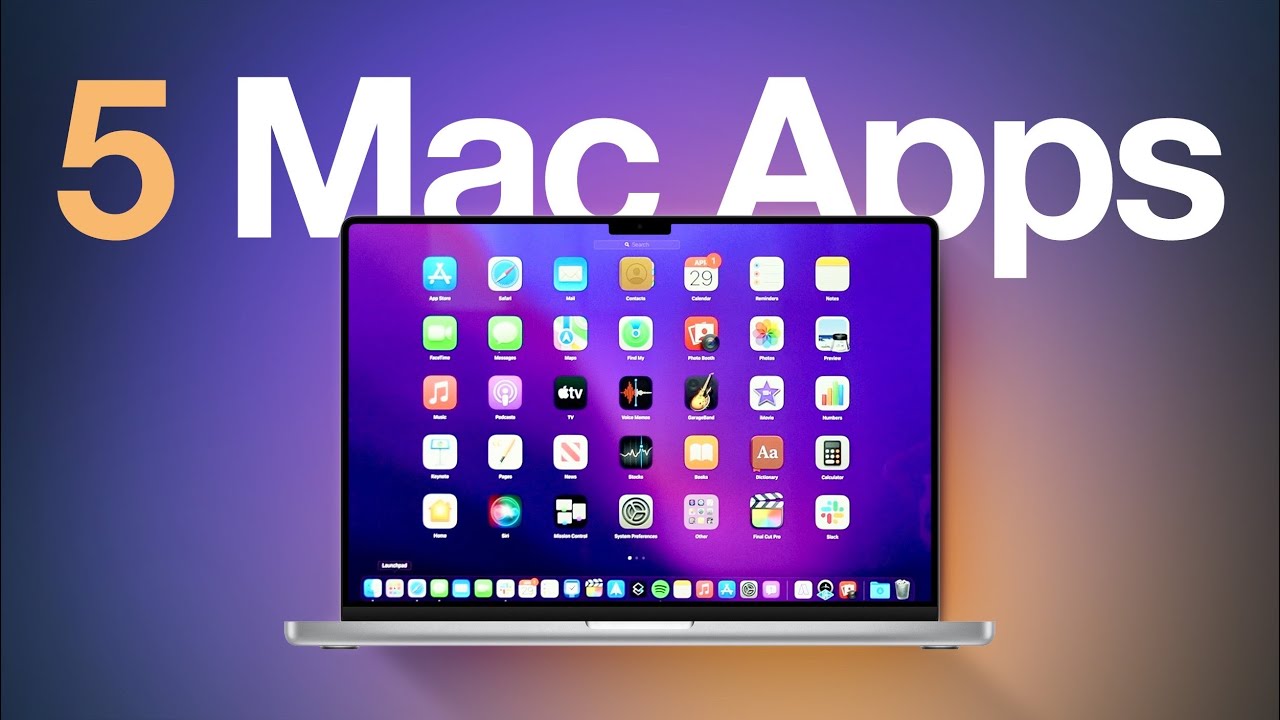
Whether you’re a student, freelancer, remote worker, entrepreneur, or creative professional, choosing the right Mac productivity apps can dramatically improve your workflow. Apple’s macOS is already known for its speed, stability, and intuitive design, but pairing it with the right applications takes productivity to another level. From organizing tasks and managing projects to taking notes and automating repetitive work, today’s Mac apps offer powerful features that help users accomplish more in less time.
The best Mac productivity apps are designed to simplify daily tasks, reduce distractions, and improve collaboration. Instead of switching between multiple tools or wasting time on repetitive activities, you can create a streamlined workflow that keeps everything organized. Whether you own a MacBook Air, MacBook Pro, iMac, or Mac Studio, the right software can help you stay focused and efficient throughout the day.
In this guide, we’ll explore the best Mac productivity apps for 2026, highlighting their key features, benefits, and ideal use cases. By the end, you’ll have a clear understanding of which apps deserve a place on your Mac.
Why Use Productivity Apps on macOS?
While macOS includes excellent built-in tools like Notes, Calendar, Reminders, and Spotlight, third-party productivity apps often provide advanced features for organization, automation, collaboration, and time management.
Benefits include:
- Better task organization
- Faster workflow
- Improved collaboration
- Reduced distractions
- Increased efficiency
- Better file management
- Enhanced creativity
Using a combination of these apps allows you to customize your workspace according to your personal or professional needs.
1. Notion
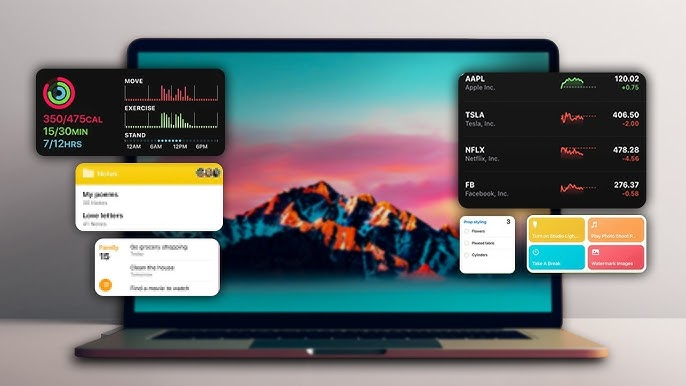
Notion remains one of the most versatile Mac productivity apps available. It combines note-taking, project management, databases, task tracking, and document creation into one workspace.
Key Features
- Custom workspaces
- Team collaboration
- Project tracking
- Knowledge management
- Templates for almost every workflow
- Cross-device synchronization
Best for:
- Students
- Businesses
- Freelancers
- Content creators
2. Todoist
Todoist is perfect for organizing daily responsibilities.
Its clean interface makes task management simple while offering advanced productivity tools for larger projects.
Features
- Recurring tasks
- Priority levels
- Productivity tracking
- Labels and filters
- Shared projects
- Calendar integration
Todoist helps users stay focused without becoming overwhelming.
3. Microsoft OneNote
OneNote is an excellent digital notebook for organizing information across multiple devices.
Users can create notebooks, sections, handwritten notes, and multimedia documents.
Benefits include:
- Unlimited note organization
- Image support
- Audio recording
- Cross-platform access
- Strong search functionality
4. Alfred
Alfred is one of the most powerful launcher applications for macOS.
It extends Spotlight by providing automation, clipboard history, custom workflows, quick calculations, and fast application launching.
Popular features include:
- Keyboard shortcuts
- File search
- Clipboard manager
- Workflow automation
- Web search shortcuts
Power users consider Alfred essential.
5. Raycast
Raycast has become a favorite alternative to Alfred.
It offers an elegant interface while integrating AI features, developer tools, productivity extensions, and automation.
Highlights:
- Fast launcher
- Window management
- Clipboard history
- AI commands
- Calendar integration
- Custom extensions
6. Magnet
Managing multiple windows becomes much easier with Magnet.
Instead of manually resizing windows, users can instantly snap applications into organized layouts.
Features include:
- Split-screen shortcuts
- Multi-monitor support
- Keyboard controls
- Easy window organization
Ideal for multitasking professionals.
7. Fantastical
Fantastical enhances calendar management with an intuitive interface and natural language scheduling.
Examples:
- “Meeting tomorrow at 2 PM”
- “Lunch Friday noon”
The app automatically creates calendar events.
Additional features:
- Calendar sets
- Time zone support
- Weather integration
- Meeting scheduling
8. Spark
Spark improves email productivity through smart organization and collaboration.
Useful tools include:
- Smart inbox
- Email scheduling
- Shared drafts
- Team comments
- Follow-up reminders
- Priority notifications
It helps users manage busy inboxes efficiently.
9. Obsidian
Obsidian has become one of the best note-taking applications for knowledge management.
Unlike cloud-only apps, your notes remain stored locally while linking ideas together using internal connections.
Ideal for:
- Researchers
- Writers
- Students
- Developers
10. CleanMyMac
Keeping your Mac clean improves storage management and system performance.
CleanMyMac helps users:
- Remove junk files
- Delete unused applications
- Manage startup items
- Monitor system health
- Free storage space
It simplifies regular Mac maintenance.
11. Grammarly
Grammarly helps improve writing across emails, documents, websites, and messaging apps.
It checks:
- Grammar
- Spelling
- Clarity
- Tone
- Punctuation
Professionals and students alike benefit from real-time writing suggestions.
12. Dropbox
Dropbox remains one of the most reliable cloud storage solutions for Mac users.
Benefits include:
- Automatic syncing
- File recovery
- Easy sharing
- Team collaboration
- Cross-platform support
It keeps files available wherever you work.
13. Keyboard Maestro
Keyboard Maestro automates repetitive actions on macOS.
Examples include:
- Opening applications
- Filling forms
- Launching workflows
- Text expansion
- Automating repetitive clicks
Advanced users can save hours every week through automation.
14. RescueTime
Understanding how you spend your time is essential for improving productivity.
RescueTime tracks:
- Application usage
- Website activity
- Focus time
- Daily productivity reports
These insights help eliminate distractions.
15. Forest
Forest uses a unique focus technique.
When you begin working, you plant a virtual tree. Leaving your task causes the tree to die.
This simple gamification encourages uninterrupted focus sessions while reducing phone distractions.
Tips for Choosing the Right Mac Productivity Apps
Before installing multiple applications, consider your workflow.
Ask yourself:
- Do I need better task management?
- Do I write frequently?
- Do I collaborate with teams?
- Do I manage multiple projects?
- Do I need automation?
- Do I struggle with distractions?
Choosing apps that solve your specific problems prevents unnecessary software clutter.
How to Maximize Productivity on Your Mac
Besides installing the right apps, build productive habits:
- Organize your desktop regularly.
- Keep software updated.
- Use keyboard shortcuts.
- Enable Focus Mode when working.
- Remove unused applications.
- Back up important files.
- Schedule regular breaks.
- Review tasks daily.
Combining these habits with powerful Mac productivity apps creates a highly efficient workspace.
Conclusion
Finding the best Mac productivity apps for 2026 depends on your work style, but a thoughtful combination of note-taking, task management, automation, communication, and file organization tools can significantly improve your daily workflow. Apps like Notion, Todoist, Alfred, Raycast, Obsidian, Fantastical, Spark, and Keyboard Maestro help users stay organized, automate repetitive work, and collaborate more effectively.
Rather than installing every available app, start with a few that address your biggest productivity challenges. As your needs evolve, you can add more specialized tools to create a customized workflow that helps you save time, stay focused, and accomplish more every day.
Frequently Asked Questions (FAQs)
1. What is the best Mac productivity app for students?
Notion and Microsoft OneNote are excellent choices for organizing notes, assignments, and study materials.
2. Which Mac app is best for task management?
Todoist is one of the best options for creating tasks, setting deadlines, and managing projects.
3. Are Mac productivity apps free?
Many offer free versions with essential features, while premium plans unlock advanced tools and collaboration options.
4. Which app helps automate repetitive tasks on macOS?
Keyboard Maestro is one of the most powerful automation tools available for Mac users.
5. Can productivity apps improve work efficiency?
Yes. The right Mac productivity apps help organize tasks, reduce distractions, automate workflows, and improve overall efficiency, making it easier to complete work in less time.